Hello guys, welcome back to our blog. In this article, I will discuss the top 5 AI tools to desgin & simulate electronic circuits in 2025 and it’s use cases.
Ask questions if you have any electrical, electronics, or computer science doubts. You can also catch me on Instagram – CS Electrical & Electronics
- Top 20 Applications of Convolutional Neural Networks (CNNs) In the Automotive Industry
- Thailand’s $1.8 Billion AI-Powered Smart Grid Revolution
- Top 20 EV Charging Station Startups In The World
AI Tools To Design & Simulate Electronic Circuits
1. Introduction – AI Is Now Your Co-Engineer
For decades, designing and simulating electronic circuits required deep technical expertise, long hours of schematic creation, PCB layout work, and countless simulation runs to get a project right. While the fundamentals haven’t changed, the tools we use have undergone a major transformation — thanks to Artificial Intelligence (AI).
In 2025, AI is not just a buzzword in electronics — it’s an actual co-engineer that helps you:
- Generate circuit designs from simple descriptions
- Optimize PCB layouts for performance and manufacturability
- Run simulations with intelligent parameter tuning
- Predict and troubleshoot design issues before they appear in hardware
- Save weeks (or even months) of development time
The beauty is, you no longer need to be a PCB wizard or a SPICE simulation master to start building. AI tools can do a big chunk of the heavy lifting, letting you focus on creativity, problem-solving, and innovation.
In this article, I’ll walk you through the Top 5 AI-powered tools for electronic circuit design and simulation in 2025, how they work, what makes them special, and how you can integrate them into your workflow.
2. The Rise of AI in Electronics Design

2.1 Why AI Matters in Circuit Design
Traditional electronics design involves a lot of trial and error. For example:
- Choosing the right components for desired performance
- Making sure PCB traces are optimized for signal integrity and power delivery
- Simulating the design under multiple conditions to detect failures
- Ensuring thermal performance and EMI/EMC compliance
AI changes this by learning from millions of existing designs, applying design rules automatically, and predicting issues before they happen.
Some of the biggest AI contributions to electronics include:
- AI-assisted PCB auto-routing: Faster, cleaner, and more manufacturable layouts.
- Intelligent simulation parameter tuning: Saves time by avoiding endless manual adjustments.
- Automated component selection: Suggests the most cost-effective, high-performance, and available components.
- Design verification: Flags potential thermal, electrical, or EMI issues early.
3. Top 5 AI Tools for Circuit Design & Simulation in 2025
Let’s dive into the best options available this year.
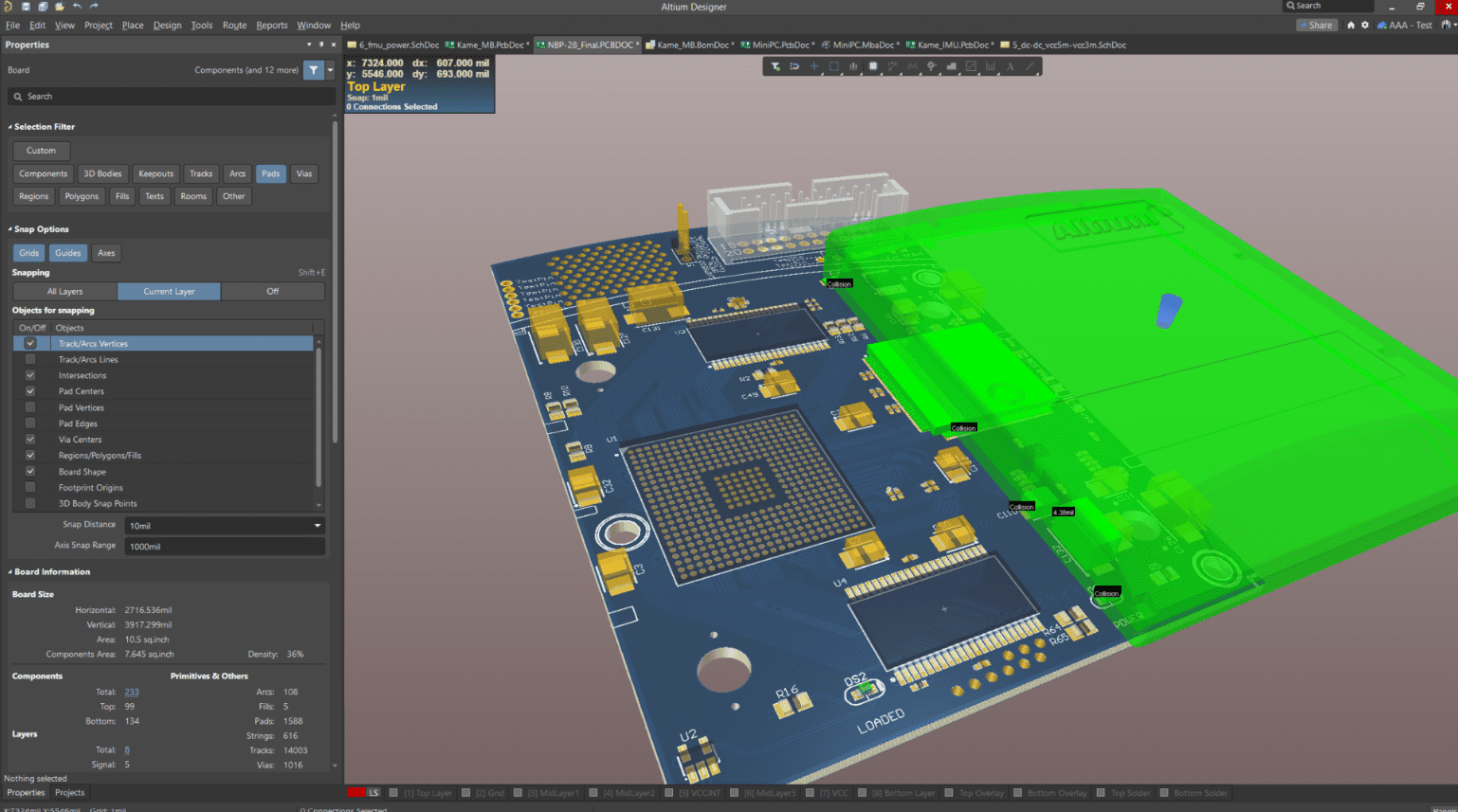
3.1 Altium Designer with Altium 365 AI
Overview:
Altium Designer has been the industry gold standard for professional PCB design for years. The integration with Altium 365 AI has pushed it into a new era.
AI Features:
- AI Auto-Routing: Generates optimized routing paths for complex multi-layer boards.
- Component Suggestions: Based on your schematic, AI recommends components that are cost-effective and in stock.
- Manufacturability Analysis: Predicts manufacturing issues before fabrication.
- Signal Integrity Optimization: AI checks high-speed signals for crosstalk, impedance mismatch, and EMI risks.
Best For:
- Professional hardware engineers
- High-speed, high-density PCB designs
- Multi-layer boards for automotive, aerospace, and telecom applications
Pros:
✔ Unmatched professional features
✔ Cloud collaboration
✔ Deep integration with mechanical CAD
Cons:
❌ Expensive for hobbyists
❌ Steeper learning curve
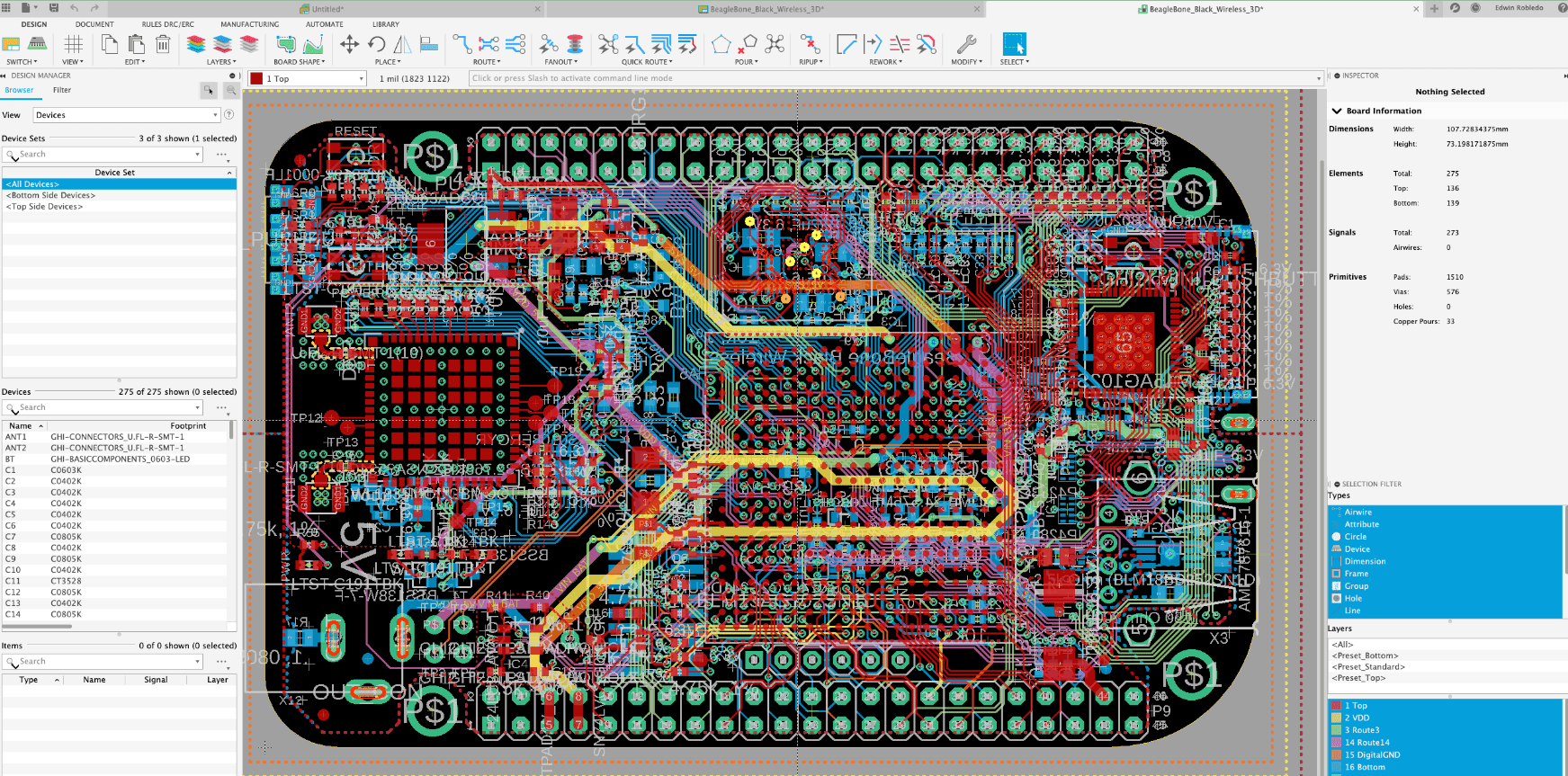
3.2 Autodesk Fusion 360 with Eagle AI
Overview:
Fusion 360 is famous for mechanical CAD, but when paired with Eagle and AI features, it becomes a full mechatronic design platform.
AI Features:
- Mechanical + Electronics Integration: AI ensures both fit and function are optimized.
- Thermal Performance Prediction: Helps avoid overheating issues early.
- Auto-Placement Optimization: Reduces signal delay and improves reliability.
Best For:
- IoT devices
- Robotics
- Products requiring tight mechanical-electrical integration
Pros:
✔ Unified mechanical + PCB design
✔ Strong simulation tools
✔ Cloud-based collaboration
Cons:
❌ Mid-level learning curve
❌ Requires subscription
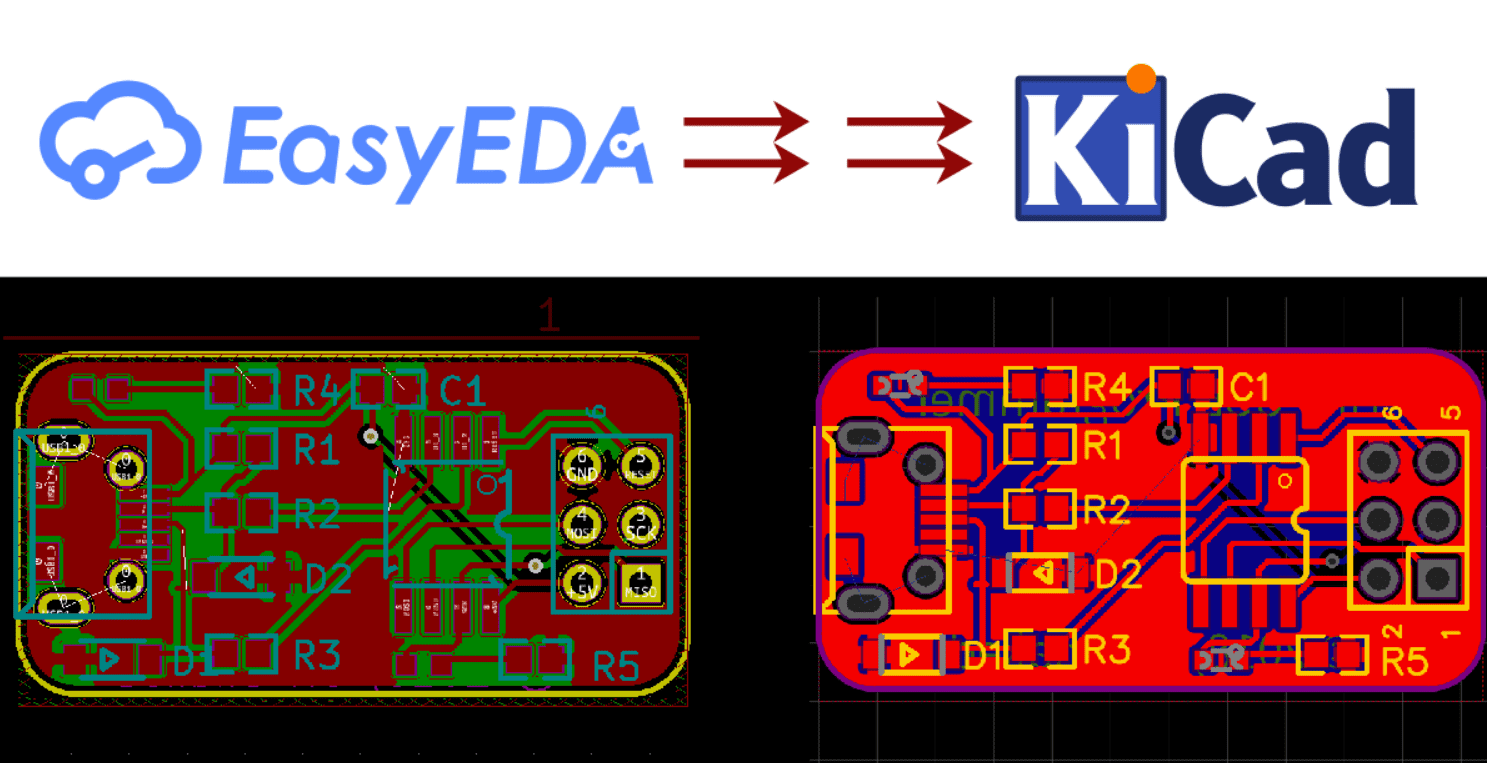
3.3 EasyEDA with ChatGPT
Overview:
EasyEDA is a free, browser-based PCB design and simulation tool. Combined with ChatGPT, it becomes a natural language design environment.
AI Features:
- Text-to-Circuit: Describe your circuit in plain English, and AI generates the schematic.
- Component Search & Replacement: AI finds equivalents when parts are out of stock.
- SPICE Simulation Generation: AI writes the simulation netlist for you.
Best For:
- Students
- Hobbyists
- Quick prototyping
Pros:
✔ Free to use
✔ No installation required
✔ Great for beginners
Cons:
❌ Not as feature-rich as pro tools
❌ Limited high-speed design support
3.4 LTspice with AI Script Generators
Overview:
LTspice is the go-to for analog, RF, and power circuit simulation. With AI scripting, it’s even more powerful.
AI Features:
- Automatic SPICE Test Bench Generation
- Parameter Optimization for Best Performance
- Troubleshooting Suggestions for Convergence Issues
Best For:
- Analog circuit engineers
- RF designers
- Power electronics specialists
Pros:
✔ Free and accurate
✔ Widely supported by the community
✔ Extremely detailed simulation control
Cons:
❌ No PCB design capability
❌ Steeper learning curve for beginners
3.5 MATLAB Simulink with AI Toolbox & Copilot

Overview:
MATLAB Simulink is the standard for system-level modeling, and the 2025 version includes MATLAB Copilot — an integrated AI assistant.
AI Features:
- Real-Time AI Suggestions: Helps you build models faster.
- Auto-Parameter Tuning: Finds the best simulation settings automatically.
- Fault Prediction: Uses AI to forecast system failures.
Best For:
- Automotive
- Aerospace
- Power systems
- Embedded control design
Pros:
✔ Industry-leading modeling tools
✔ AI integration boosts productivity
✔ Works across multiple domains
Cons:
❌ Expensive license
❌ Learning curve for complex models
4. How to Integrate These Tools into Your Workflow
- Start with AI Concept Generation (EasyEDA + ChatGPT)
- Refine with Professional Tools (Altium or Fusion 360)
- Simulate and Optimize (LTspice or MATLAB)
- Collaborate and Share (Altium 365, Fusion Cloud)
5. Future Trends in AI Circuit Design
- Full Text-to-PCB Manufacturing: AI will design and send directly to PCB fabrication houses.
- AI-Driven Fault Prediction in Real Hardware: Linked with IoT sensors.
- Generative PCB Layouts: Optimized for signal, heat, and even aesthetics.
- Multi-Physics AI Simulation: Electrical, thermal, and mechanical in one pass.
6. Conclusion – AI Is Your Co-Engineer
The electronics industry is in the middle of a revolution. AI tools are now capable of doing much of the tedious, repetitive, and error-prone work that once slowed down design cycles. Whether you’re a student building your first project, a startup prototyping an IoT device, or a professional designing high-speed multi-layer boards, AI has something to offer you.
With the right tools, you can turn an idea into a tested, optimized design in hours instead of weeks. AI is truly the co-engineer you never knew you needed.
This was about “Top 5 AI Tools To Design & Simulate Electronic Circuits In 2025“. Thank you for reading.
Also, read:
- NVIDIA vs India’s GDP: How One AI Chip Company Became One of the Most Valuable Companies in the World
- India’s GaN Chip Breakthrough: Why Gallium Nitride Could Shape the Future of Defense Electronics
- India’s Chip Era Begins: A New Chapter in Semiconductor Manufacturing
- FlexRay Protocol – Deep Visual Technical Guide
- Top 50 AI-Based Projects for Electronics Engineers
- UDS (Unified Diagnostic Services) — Deep Visual Technical Guide
- Automotive Ethernet — Deep Visual Technical Guide
- Controller Area Network (CAN) — Deep Visual Technical Guide